Hardpoint SDK
The Hardpoint SDK puts Hardpoint's weapons, sensors and cockpit pages into any MSFS 2024 aircraft. Place your aircraft's stations and it carries every store in the arsenal that fits them. The radar and targeting pod pages go onto your displays as they are, or you draw your own from the sensor data.
Register your aircraft
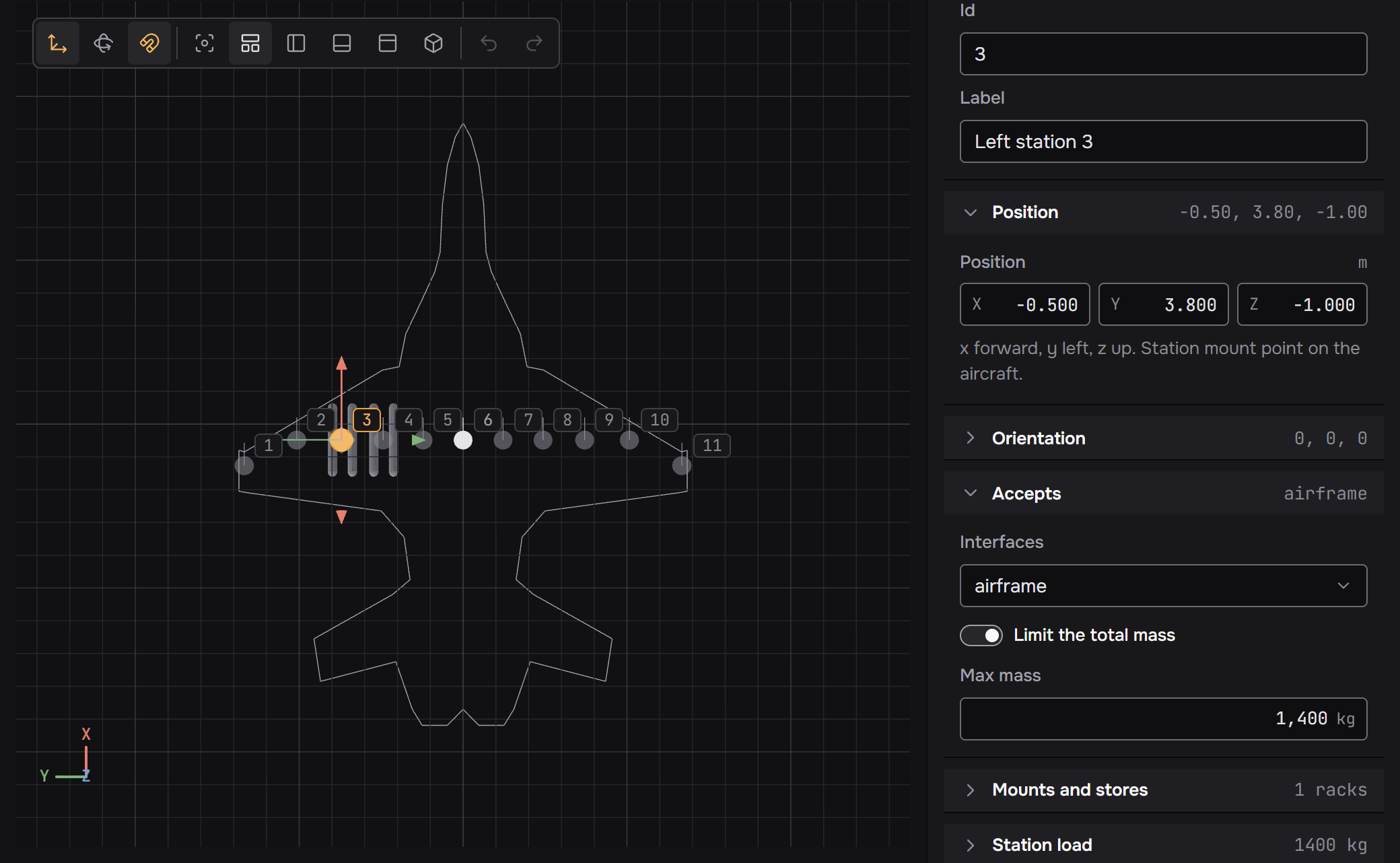
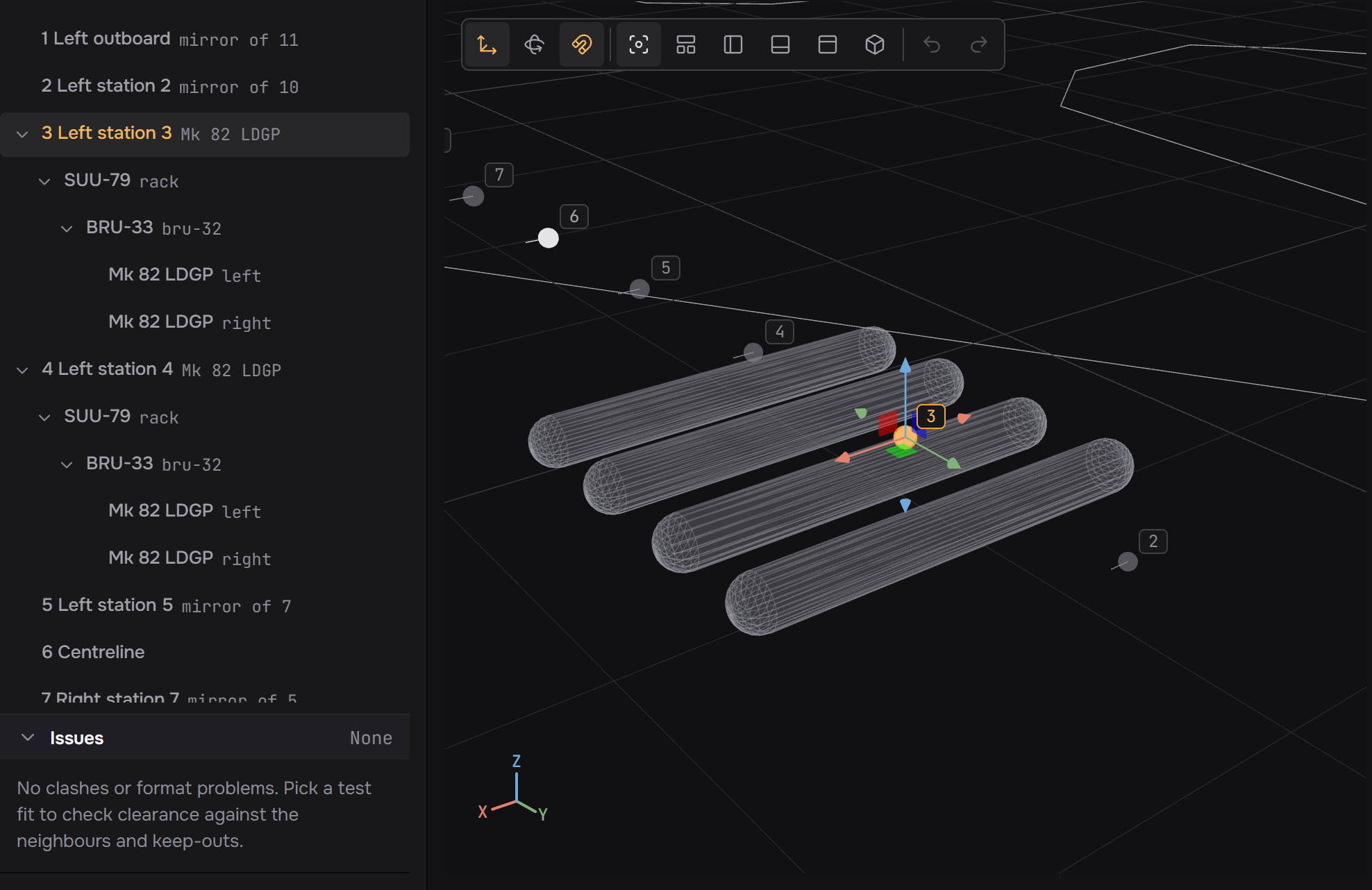
Open your aircraft in the Hardpoint desktop app and add its stations in 3D. The real rack or weapon appears on your aircraft in the sim, and you move and rotate it until it sits where it belongs, then mirror it to the other wing. Tell Hardpoint what each station starts with, a bare hardpoint or a pylon or launcher you modeled yourself, and it works out which racks and stores fit there.
Weapons on your stations
Once the stations exist, your aircraft can use every store in the arsenal that fits them. Players build loadouts in the Hardpoint desktop app. Your code selects the weapon, gives it a target from the radar or the pod, and releases it. Hardpoint flies the weapon and reports what happened.
Sensors on your displays
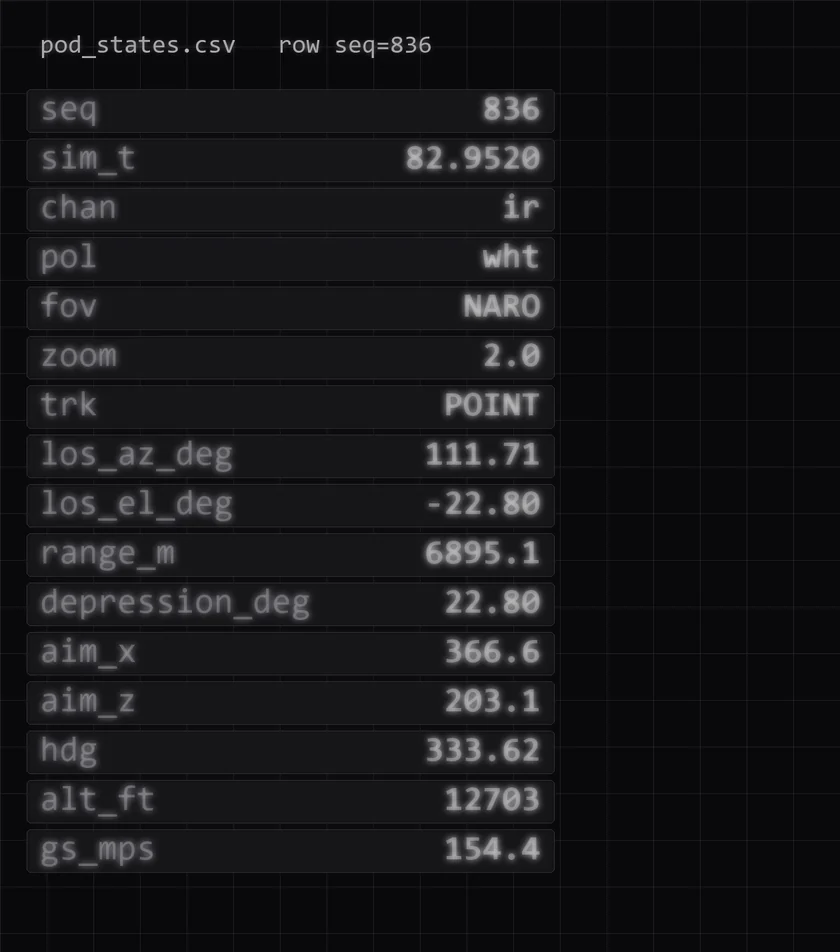
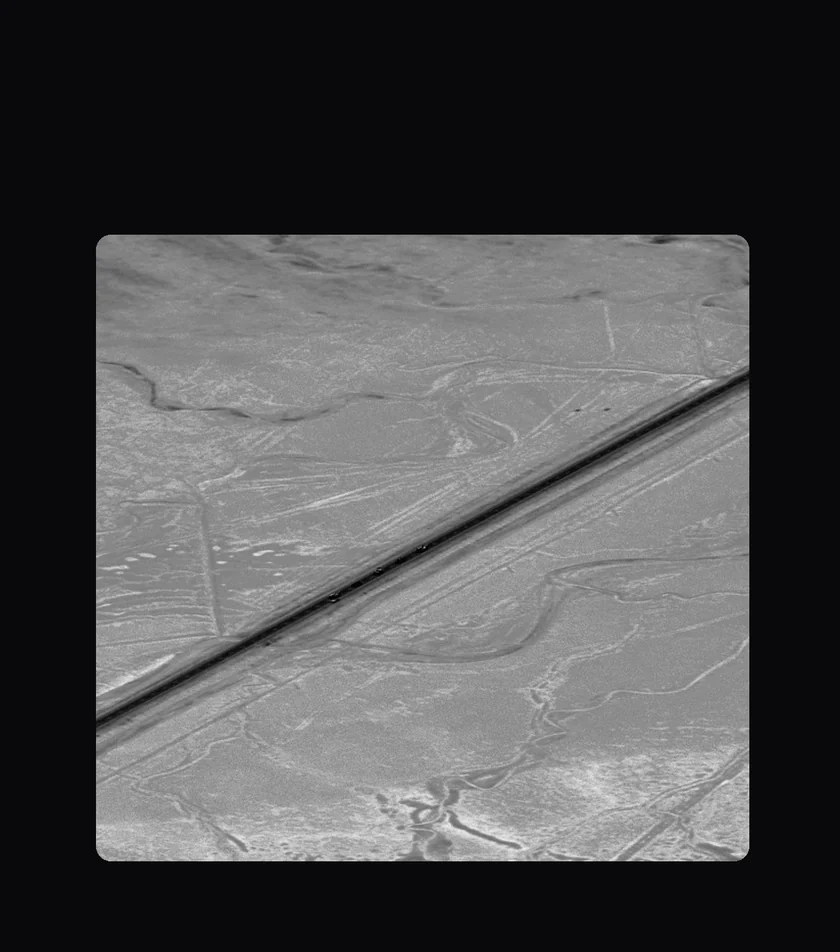
Take as much of a Hardpoint sensor as you want. Put the complete radar or targeting pod page on one of your displays with a single panel entry, mount it inside your own MFD, or take the detections, tracks and video and draw your own page around them. There are five integration levels, and you pick one for each sensor.
- Calculations and state. Where the sensor looks, what it tracks and at what range, as data.
- Sensor image. The pod or radar picture on its own, for any display.
- Graphics components. The reticle, track box and readouts as separate pieces.
- Instrument components. The page with its buttons and labels, inside your own MFD.
- Complete page. The finished page on a display, as in the F/A-18E.
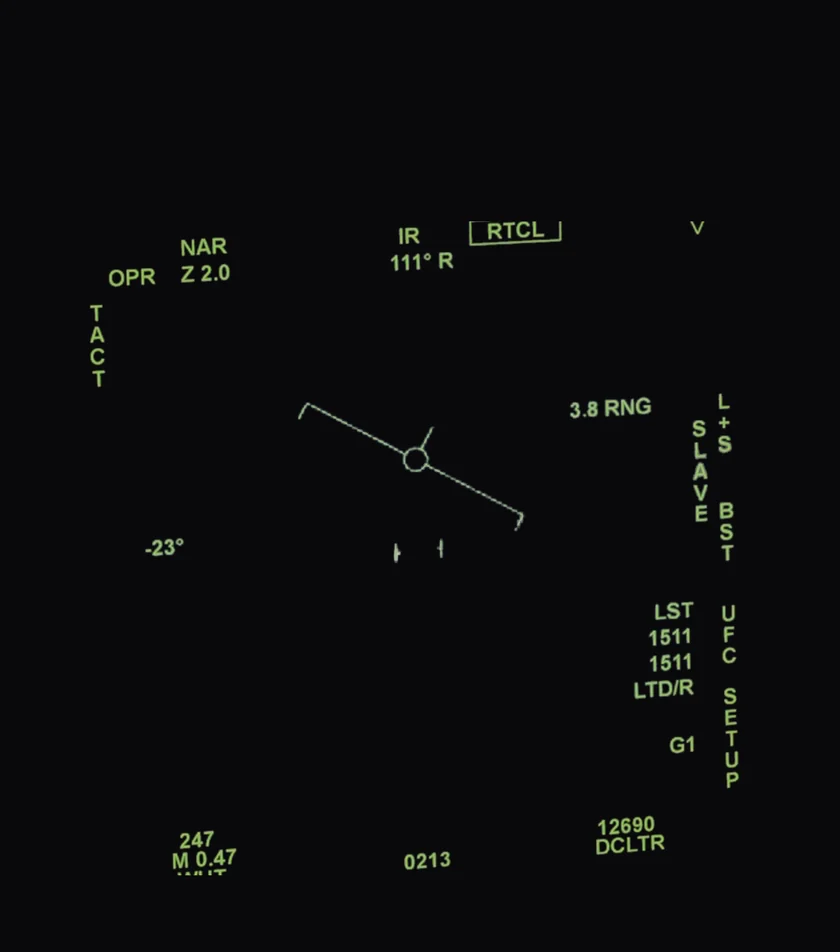
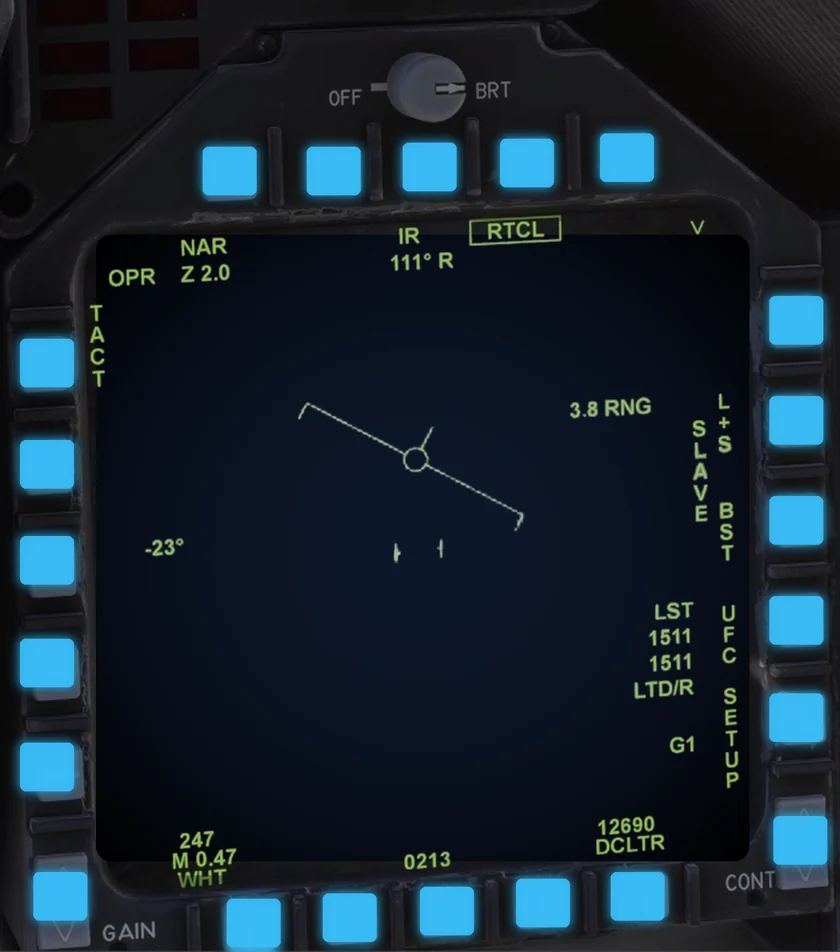
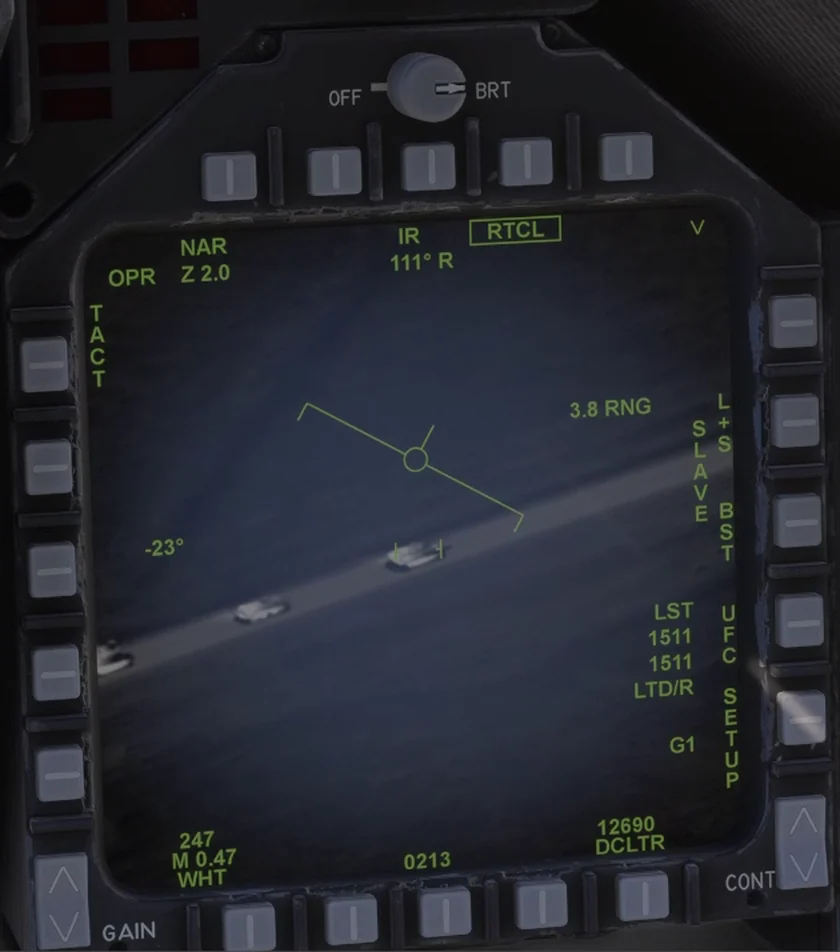
Virtual MFD
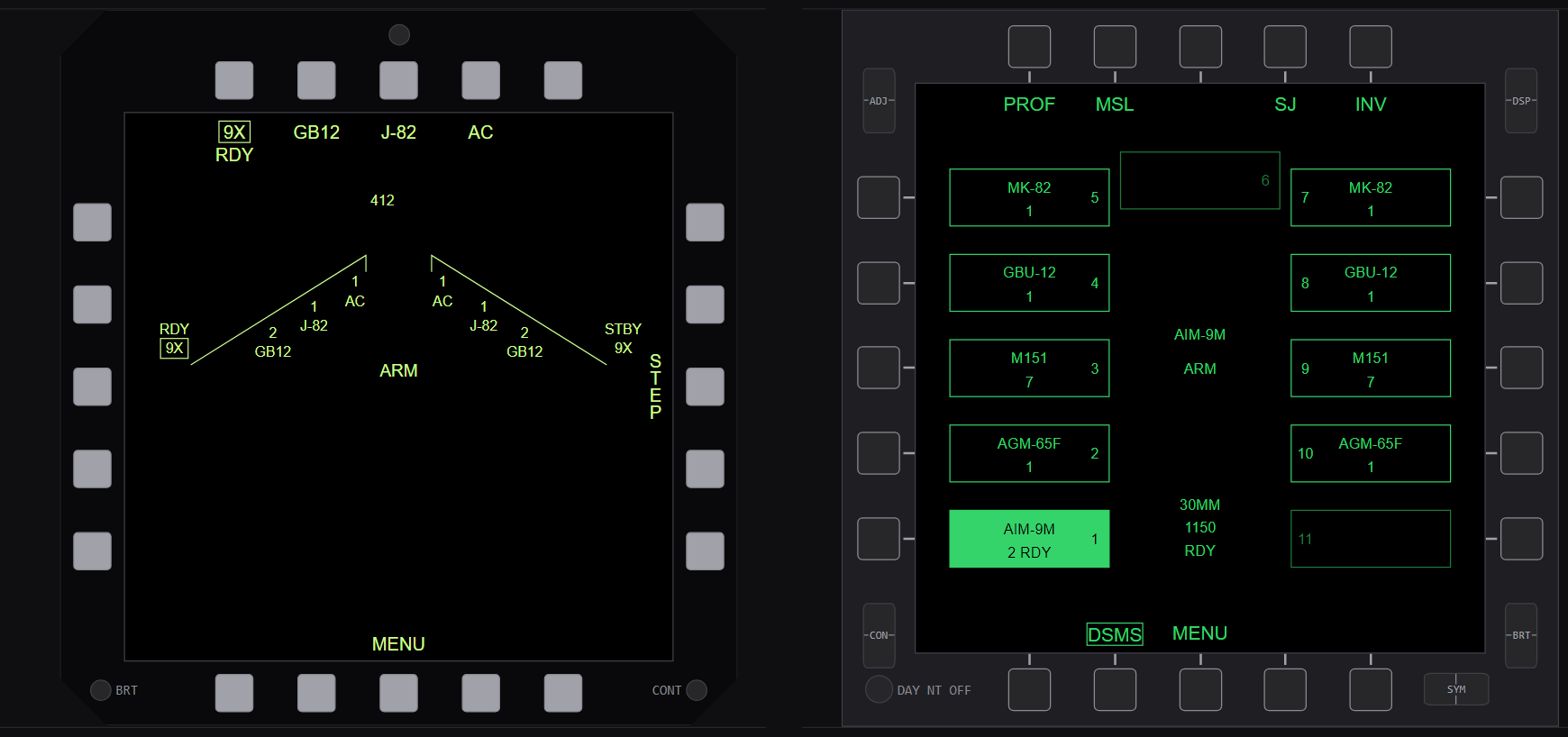
The virtual MFD runs the stores, radar and pod pages in a window over the sim, on the same core your cockpit uses. You select and release weapons from it before you have built a cockpit page.
Your own weapons and radars
Weapons, racks, launchers, radars, effects and ground units are data files. Add your own weapon or radar type and it works alongside ours, on your aircraft and on anyone else's.
{
  "id": "hds.radar.fighter-mech-pd",
  "name": "Mechanically scanned fighter radar",
  "antenna": {
    "scan_type": "mechanical",
    "scan_rate_deg_s": 60
  },
  "scan": {
    "volumes": [
      { "id": "wide", "az_half_deg": 60, "bars": 4 },
      { "id": "narrow", "az_half_deg": 10, "bars": 6 }
    ]
  }
}
Integration code
The radar talks to your code in JSON messages. State and events come in and commands go out. The SDK's TypeScript library has the types and a parser for them. The smallest working integration is two things: an aircraft profile, made by placing stations in the desktop app, and one complete page on a display.
SDK contents
File formats
Aircraft, stores, racks, loadouts, effects and radars as data files.
Tools
A validator and a mount tool that run on your own machine.
Library
TypeScript code that reads and checks loadouts and radar messages.
Display kits
Radar, targeting pod and stores pages for your cockpit displays.
SDK news by email
Sign up and check the box for aircraft developers. You get an email with SDK news.